Before you start
A package is the template for what you sell your members: which classes it covers, how many times and for how long it can be used, its price and its rules. Giving a package to a member is a separate task, explained in Sell a package to a member.
- Only users with the Owner or Admin role can create and edit packages.
- The classes the package covers must already exist under Business › Classes.
Which package type should I choose?
- Credit: a set number of classes. The member attends as many classes as Classes Included and uses them within the Validity Period.
- Duration: a membership counted in days. The member attends classes for the whole Validity Period; if you like, a Weekly Class Limit caps how many classes they can take each week.
- Trial: an introductory package for newcomers. It can be given to a member only once and grants no make-up, freeze or seat hold. See Trial packages.
Add a new package
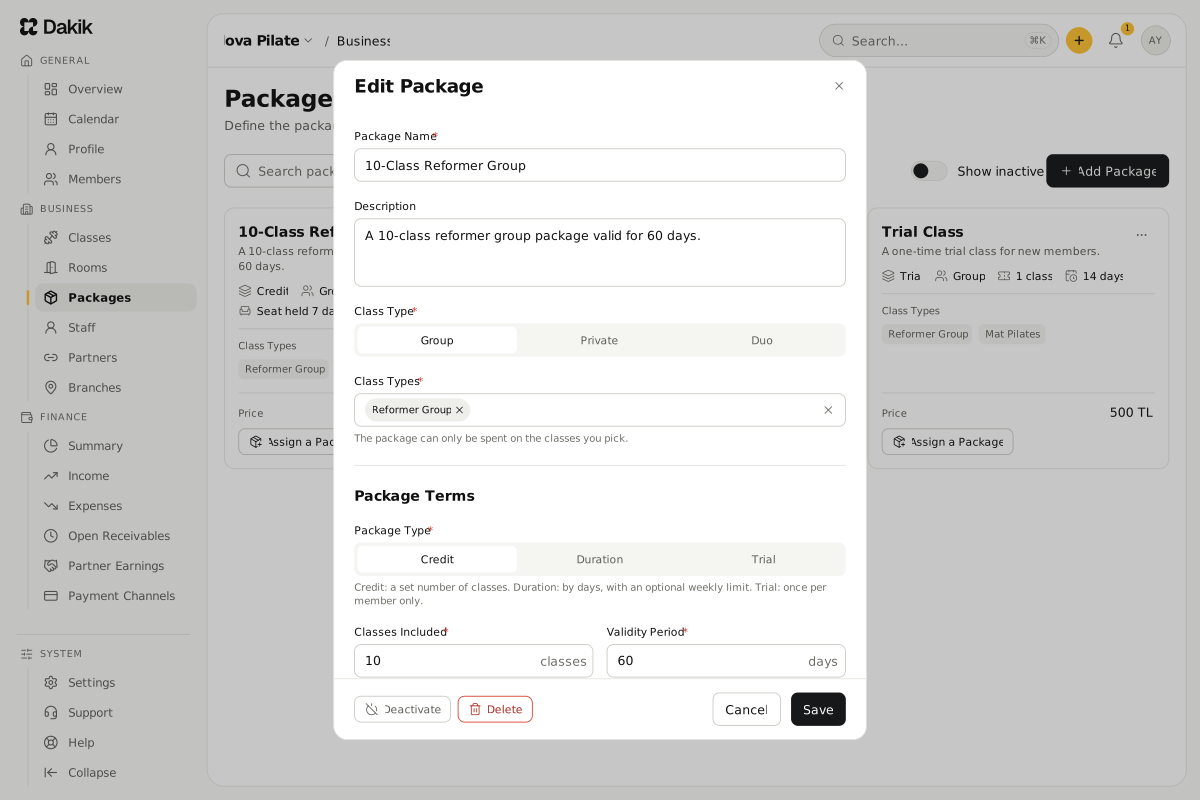
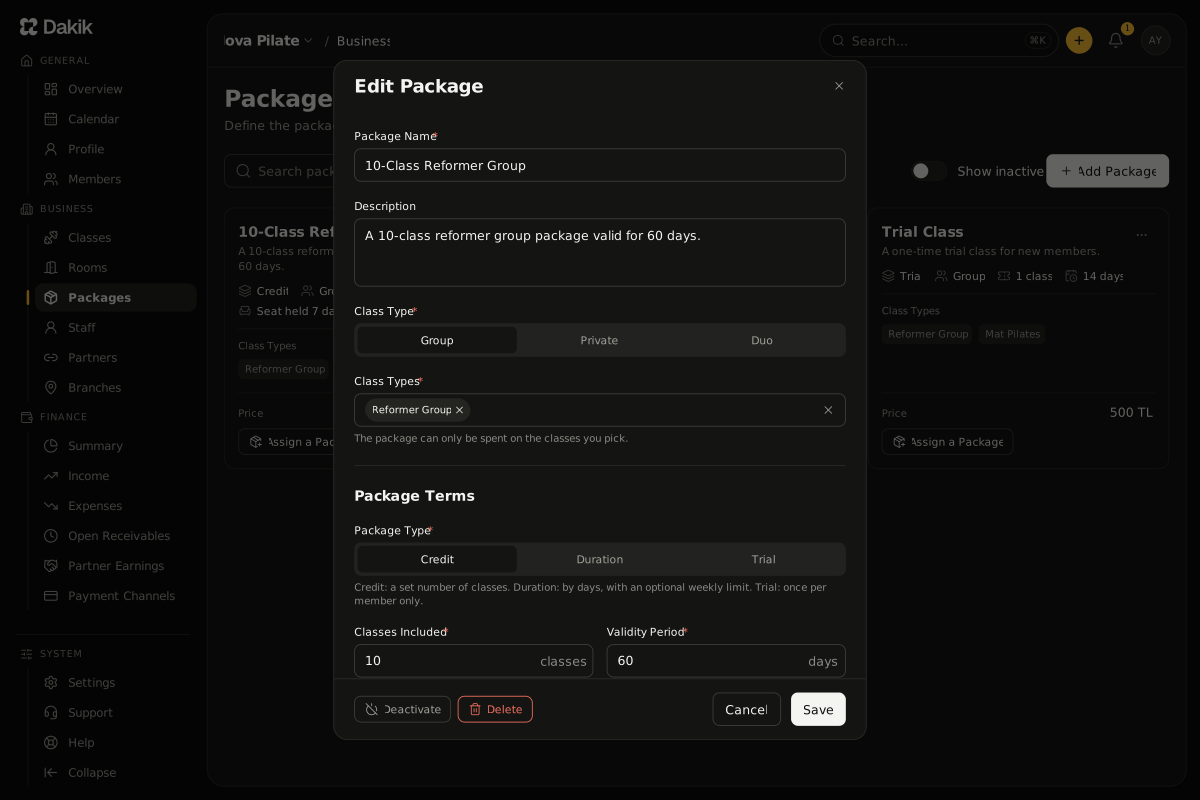
On Business › Packages, press Add Package.
The Add Package window opens.
Type the name members will see under Package Name. Add a short Description if you like.
Choose the Class Type: Group, Private or Duo.
Only classes of that type are offered under Class Types.
Under Class Types, pick the classes the package can be used for.
Under Package Terms, choose the Package Type.
The fields below change with the type you choose.
Fill in Classes Included for a Credit or Trial package, or Weekly Class Limit for a Duration package. A weekly limit left empty means no limit.
Enter how many days the package is valid under Validity Period.
Enter the list price under Price. A price of 0 makes the package free.
For every type except Trial, fill in Make-up, Freeze and Seat Hold Period (see below).
Press Save.
A "Package added" message appears and the package card is added to the list.
Limit how many credits one class can use
When a Credit or Trial package covers more than one class, the form shows Limit per Class. For each class, enter how many of the included classes can be spent on it at most. For example, entering 8 for Reformer on a 12-class package lets the member take at most 8 Reformer classes.
- A class left empty has no limit.
- One class's limit cannot be higher than the package's included classes.
- If you limit every class, the limits together cannot add up to fewer than the included classes, or some credits could never be used.
Make-up, freeze and seat hold
For every type except Trial, the Make-up, Freeze and Seat Hold Period part of the form decides whether the member can cancel a class, whether they can freeze the package, and how long their standing seat is kept after the package ends. Each one has its own article:
Edit or copy a package
Press the package card, or Edit in the card menu, to open Edit Package. Your changes apply only to packages sold from now on; packages already sold keep the terms they were sold with.
Deactivate or delete a package
To stop selling a package, choose Deactivate in the card menu or at the bottom of Edit Package. An inactive package cannot be picked when selling; packages already sold are untouched. Turn on Show inactive to see inactive packages in the list, and choose Activate to sell one again.
Was this article helpful?
In this section
Didn't find what you were looking for?
Write to our support team; we answer on working days.