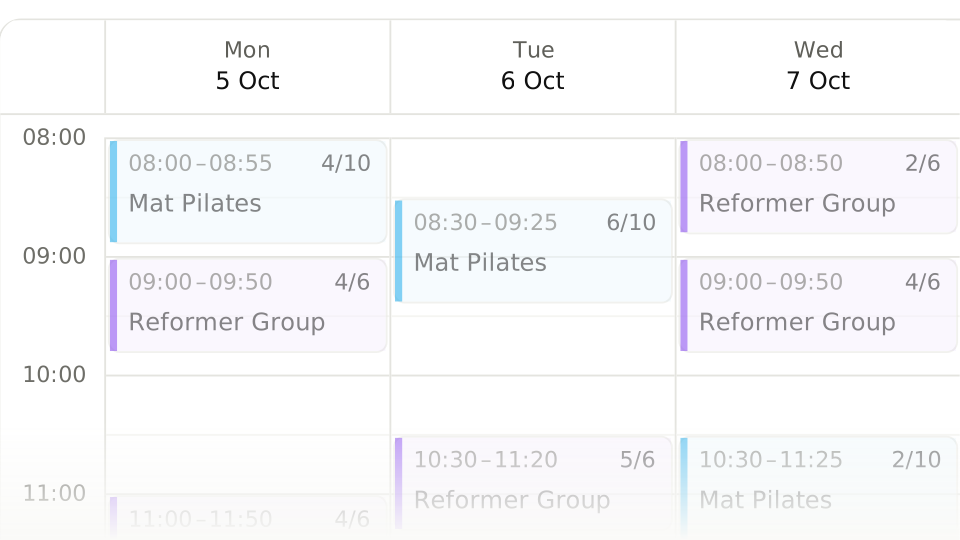
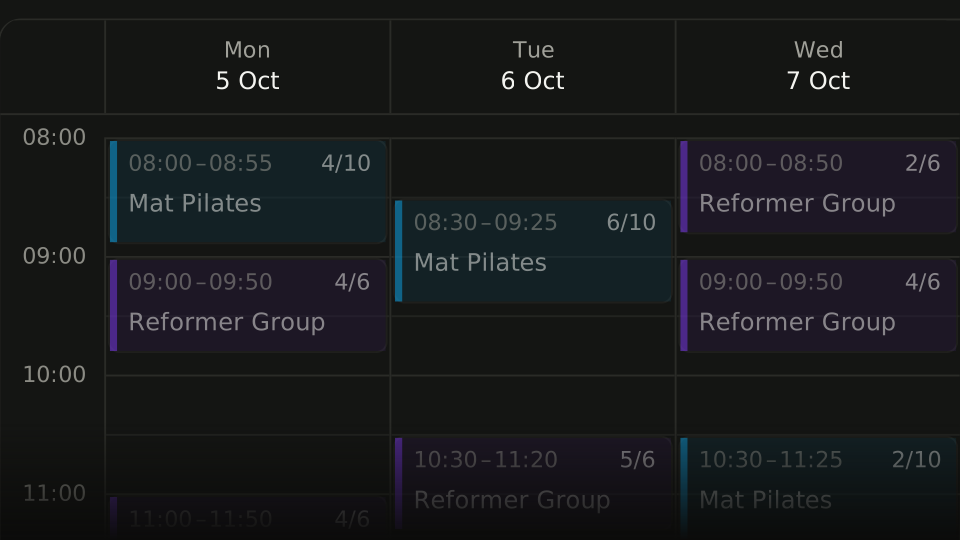
What does a weekly schedule template hold?
In most studios the week repeats: the same day, the same hour, the same instructor. So a calendar is built from a weekly template rather than from sessions entered one at a time. The template is defined once and the calendar opens it forward; if a single week differs, that week is edited on its own and the template stays as it is.
- A template holds the day, hour, room, instructor and capacity
- The calendar opens the template into weeks; nothing is rebuilt weekly
- A one-week change is made on that week and leaves the template alone
- Change the template and the next week opens on the new definition
Regular members are added while the series is set up: to that session only, or to the whole series. A member added to the series finds their seat ready every week. Even when their package runs out the seat is held, and the record waits as "Awaiting Package" until a new package is defined, so a member who misses their renewal day does not lose their fixed hour.
How are room and instructor clashes prevented?
A clash is refused when the session is saved, not noticed afterwards. One room cannot hold two sessions at the same hour, and one instructor cannot take two groups at once. Because the rule lives inside the calendar, whoever builds the schedule does not have to remember who is where: a clashing session will not save, and it says why.
- Room clash
- One room cannot be given to two sessions at the same hour.
- Instructor clash
- One instructor cannot take two groups at the same time.
- Blocked range
- No session can be placed in a range closed for a holiday or maintenance.
The clash check reads durations: a session starting at 10:00 can go into the same room straight after a 09:00-10:00 class. If you want a gap to wipe down the equipment or give the instructor a breather, leave it when you pick the start times. The same rule works on the member side: putting one member into two overlapping sessions stops with a warning.
What sets the capacity of a session?
Equipment sets the capacity, not the room. A studio with eight reformers seats eight; in a mat class the limit is how many mats fit on the floor. Capacity lives in the session definition, booking closes once it is reached, and a member who still wants the hour joins the waitlist. A waitlist place is not a booking, so no credit is held.
| Session | Capacity comes from | Once it is full |
|---|---|---|
| Reformer | The number of reformers in the room | The waitlist opens |
| Mat / group | How many people the room holds | The waitlist opens |
| One to one | One person by definition | Booking closes |
The waitlist and the make-up rules: Make-ups and Freezing
How many members can a weekly schedule carry?
Weekly capacity is the sum, class by class, of the weekly session count times the session capacity. A room with eight reformers running 20 sessions a week, for example, offers 160 seats. Divide that by how many classes a member comes to each week and you see how many regular members the schedule can carry at its fullest, which is the ceiling on the packages you can sell.
| Class | Sessions a week | Session capacity | Seats a week |
|---|---|---|---|
| Group reformer (8 reformers) | 20 (5 days x 4 sessions) | 8 | 160 |
| Group mat | 6 (3 days x 2 sessions) | 12 | 72 |
| Private | 10 | 1 | 10 |
| Total | 36 | - | 242 |
To turn capacity into packages, look at how often members come. A member who comes twice a week, on an 8-class monthly package, holds two seats a week; in this schedule the 160 reformer seats carry at most 80 regular members. With members who come once a week, the same seats split across 160 people.
The classes and session counts in the table are an example. Cancellations, holidays and quiet hours mean no schedule fills every week; the figure is not a target but the ceiling on how many packages can be sold.
How are beginner and advanced classes kept apart on the schedule?
Every session is given a level: All Levels, Beginner, Intermediate or Advanced. The member has a level too, and in any session other than All Levels a mismatch stops the booking with a warning. A staff user can acknowledge the warning and add the member anyway, and that acknowledgement is recorded. So a new member does not end up in an advanced class without anyone noticing.
- All Levels: open to members of every level
- Beginner, Intermediate, Advanced: open only to members of that level
- A level mismatch raises a warning; a staff acknowledgement can add the member
- No acknowledgement adds a seat to a session that is already full
How far ahead should booking open?
The window has two ends: how many days ahead booking opens and how many hours before the class it closes. Opening early fills the schedule early but leaves more room for cancellations; closing late leaves the instructor guessing how many will turn up. For most studios a week ahead and two hours before does the job.
- Opening: how many days ahead a place can be booked
- Closing: how many hours before the class booking stops
- The cancellation deadline is a separate rule and lives in the package
- The earlier the window opens, the more cancellations it invites
How are holidays and closed days handled?
A closed day is handled by blocking the range, not by deleting sessions one by one. Once the block is in, the sessions inside it become studio cancellations: they do not count as the member canceling, the held credit goes straight back to the package, and the member is told. The template is untouched, so the schedule resumes when the block lifts.
Block the range
Block the day or the hours you are closed on the calendar; do not delete the sessions one by one.
Leave the cancellations to the studio
Sessions inside the range become studio cancellations, and their held credits return to the package.
Let the members know
The cancellation notice goes to everyone who had booked; there is no separate announcement to write.
Recurring closures are blocks too: an instructor who is never free on Tuesday afternoons gets a weekly block. Before a block is saved, the planned sessions it would cancel are listed and a confirmation is asked for, so a block never wipes out a week of the schedule by accident.
How does the calendar turn into attendance?
The calendar says who is coming; attendance says who came. Once the hour has passed the instructor marks the list, and that mark goes to two places at once: the member’s attendance history and the instructor’s pay. Attendance is the act that closes the day, not a record to be remembered at the end of the month.
- A session with no attendance taken does not reach instructor pay
- Whoever came goes into the attendance history, whoever did not is a no-show
- Attendance closes the day; it is not a list to fill in at month end
A class that was scheduled but never held is written nowhere: instructor pay reads attendance, not the calendar.
When a class credit comes off: Class Package Rules
How is a weekly class schedule set up in Dakik?
In Dakik the schedule is built from recurring sessions: the class, room, instructor, time and weekdays are picked once, and the series opens over a range of up to a year. Before it is saved, a preview shows every day with its room, instructor and block clashes. Capacity, level and the rescheduling setting live on the session; a full session opens its waitlist and a started one its attendance list.
- A session lasts anywhere from 5 to 480 minutes
- Group capacity of 1 to 200; a private class seats 1 and a duo class 2
- A series edit applies to that session only, or to it and every later one
- Room and instructor blocks are a one-off date range or a weekly repeat
- The calendar is drawn to the studio's working hours
On the features page: Schedule
Frequently asked questions
When an instructor changes, do recurring classes have to be edited one by one?
No. When a session of a recurring series is edited, you choose whether the change applies to that session only or to it and every session after it. If the instructor has changed for good, pick the second; for a one-off cover, the first. Either way the record of past weeks stays as it was.
How is capacity set for private and duo classes?
It is not set by hand: a private class always seats 1 and a duo class 2, fixed as soon as the class type is chosen. Capacity is entered only for group classes, where it can be anything from 1 to 200. That split keeps group and private classes from getting mixed up on the same calendar in a reformer studio.
How long does a member at the top of the waitlist have to take the seat?
When a seat frees up, the first member on the list gets an offer and the clock the studio has set starts running; the default is 120 minutes and it can be set from 5 minutes to 24 hours. Close to class time it shrinks to the time left before the class. An unanswered offer lapses and the seat passes to the next member.
What happens to booked members when a class is taken off the schedule?
When a session is canceled, the later planned sessions of the same series can be canceled with it. Members who booked with a Credit or Trial package get their held credits straight back in the package; seats taken on a Duration package and the waitlist are removed. A session that has already started cannot be canceled, because it counts as held.
Can members book classes from their own phones?
Yes. Dakik is a PWA, so it installs on a phone like an app; from their own panel a member sees the sessions their package allows, books a seat, cancels inside the rule and joins the waitlist of a full session. Studio staff can do the same on a member's behalf, so requests that arrive by phone end up on the same calendar.