Before you start
- Only users with the Owner or Admin role see and change this setting.
- You need at least one active trial package, and it must cover the classes you want to offer on the page. See Trial packages for how to create one.
Not every session is listed on the page. A session shows there only when all of these hold:
- It belongs to an active class that one of the chosen trial packages covers, and it has the same Class Type as that package.
- Its level is All Levels or Beginner.
- Session open to rescheduling is on in the session form.
- It has not started, is not canceled and falls within the listing window.
- It has at least one free seat. A seat offered to someone on the waitlist counts as taken.
Set up and open the page
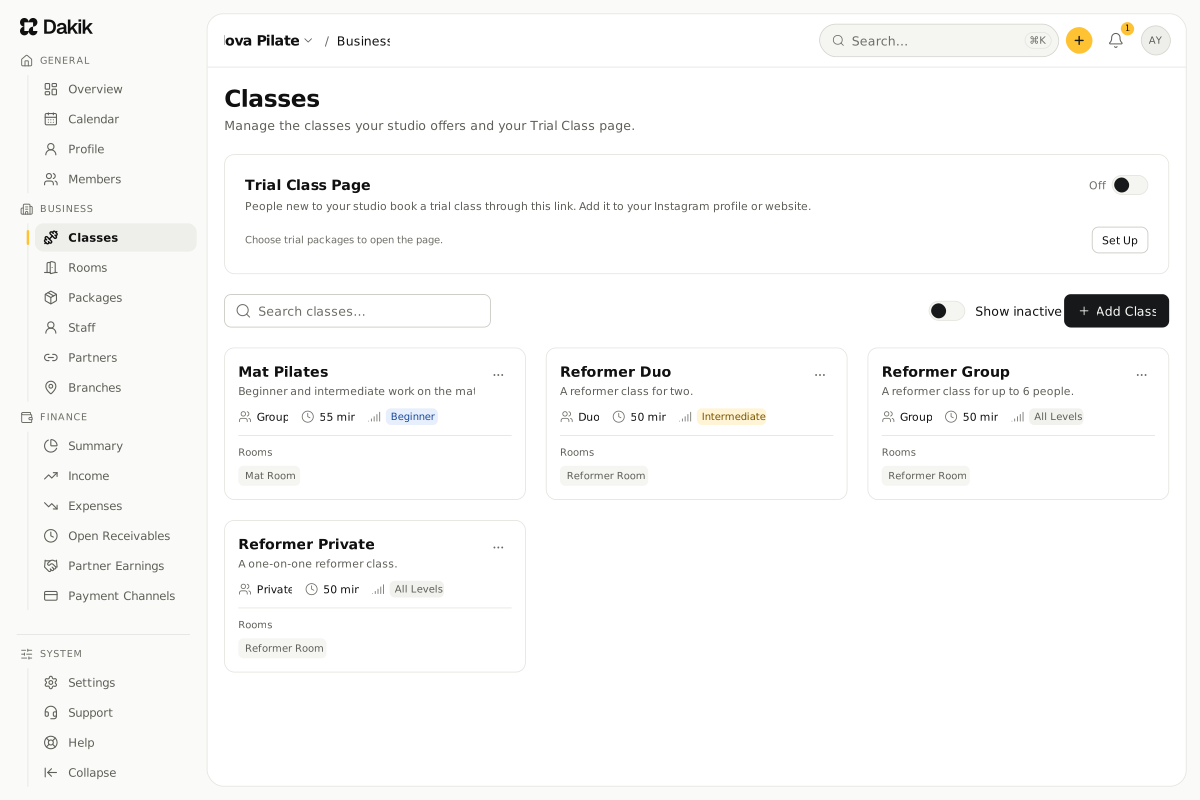
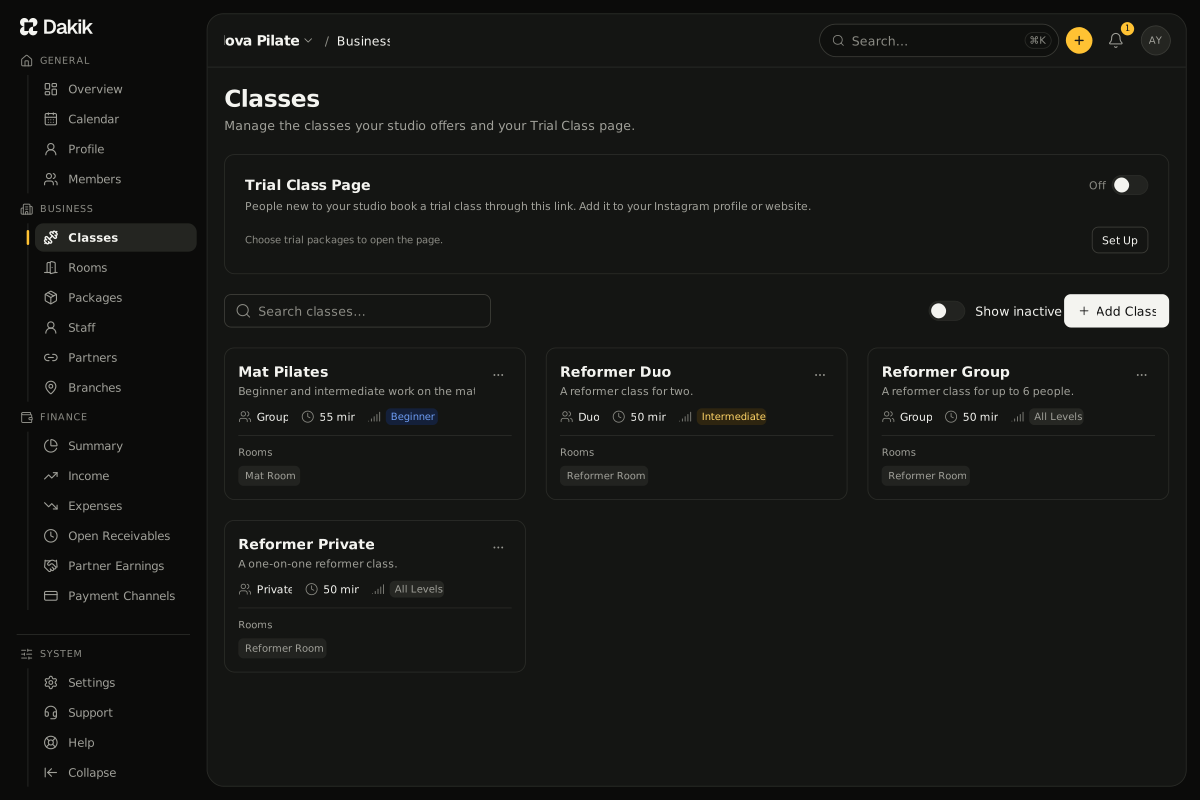
Open Business › Classes.
The Trial Class Page card is at the top of the page.
On the card, press Set Up.
The Trial Class Page window opens.
Under Trial packages, choose the trial packages the page uses.
The active classes those packages cover are listed under Classes on the page.
In Listing window, enter how many days of sessions the page shows, starting today (1-60 days).
Press Save.
A "Trial settings saved" message appears, and the page link shows on the card.
Turn on the switch at the top right of the card.
A "Trial page opened" message appears, and the switch reads On.
To close the page, turn the same switch off. A "Trial page closed" message appears, and the page tells visitors "No trial classes right now". Bookings already made stay as they are.
Share the link
On the card, press Copy.
A "Link copied" message appears.
Add the link to your Instagram profile, your website or your WhatsApp messages.
To see the page as a visitor does, press Open the Page.
The page opens in a new tab.
The page address is made from your studio name the first time you open the settings. To change it, edit Page address in the Set Up window and save. The address may hold only lowercase letters, digits and dashes, and must be 2-40 characters long. An address another studio uses cannot be chosen.
What does a visitor do on the page?
Your studio's name, logo and contact details are shown at the top. A visitor books in three steps:
- Session: they pick a day and, if they like, a class, then press a session. How many seats are left is not shown.
- Details: they fill in Full name, Email and Phone, and accept your studio's privacy notice and consent text - the text described in The studio's privacy notice.
- Verification: they type the 6-digit code sent to their email. The code is valid for 10 minutes and stops working after 5 wrong tries. A new code can be asked for after 60 seconds.
Once the code is verified, a "Your seat is booked" screen opens. If the trial has a price, the screen shows it and says it is paid at the studio. The visitor's side is described in Book a trial class.
What does Dakik create after a booking?
- A new member. Their Source is Trial Class Page, their level is Beginner, and their privacy consent is recorded with the time of booking.
- The trial package that covers the chosen session's class. It starts on the day of the class, and the session is booked from it.
- A one-installment debt if the package has a price. It falls due on the day of the class and shows under Finance › Open Receivables.
- A booking confirmation email, which also carries the invitation to sign in to the app. Until the member signs in, their account shows Invitation Pending.
- A New Trial Class notification to users with the Owner or Admin role. For what comes next, see Follow up after a trial class.
When does the page take no bookings?
- When the switch is off, when your subscription has ended or when your studio is suspended, the page shows as closed.
- When none of the chosen packages covers an active class, the card warns "None of the chosen trial packages covers an active class; the page takes no bookings." and the page lists no sessions. Deactivating a package also takes it off the page.
- The trial package makes the newcomer an active member. On a paid plan whose active member limit is full, the visitor cannot complete the last step and sees "This studio is not taking trial class bookings right now".
- The page takes at most 50 bookings a day.
Was this article helpful?
In this section
Didn't find what you were looking for?
Write to our support team; we answer on working days.